Searching for Existing Projects or Customers
The search bar on the Spectrum homepage allows users to easily search for projects and customers by name.
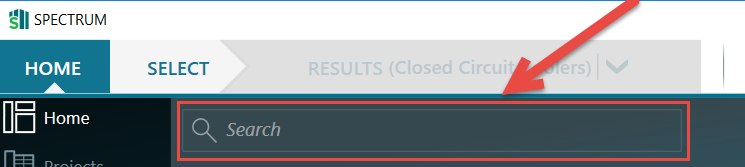
Rep users may search through all customers and projects associated with their default company.
If you have access to multiple rep companies, you can change default company through user preferences.
To search for a project, enter at least part of the project name and press the Enter key on your keyboard.
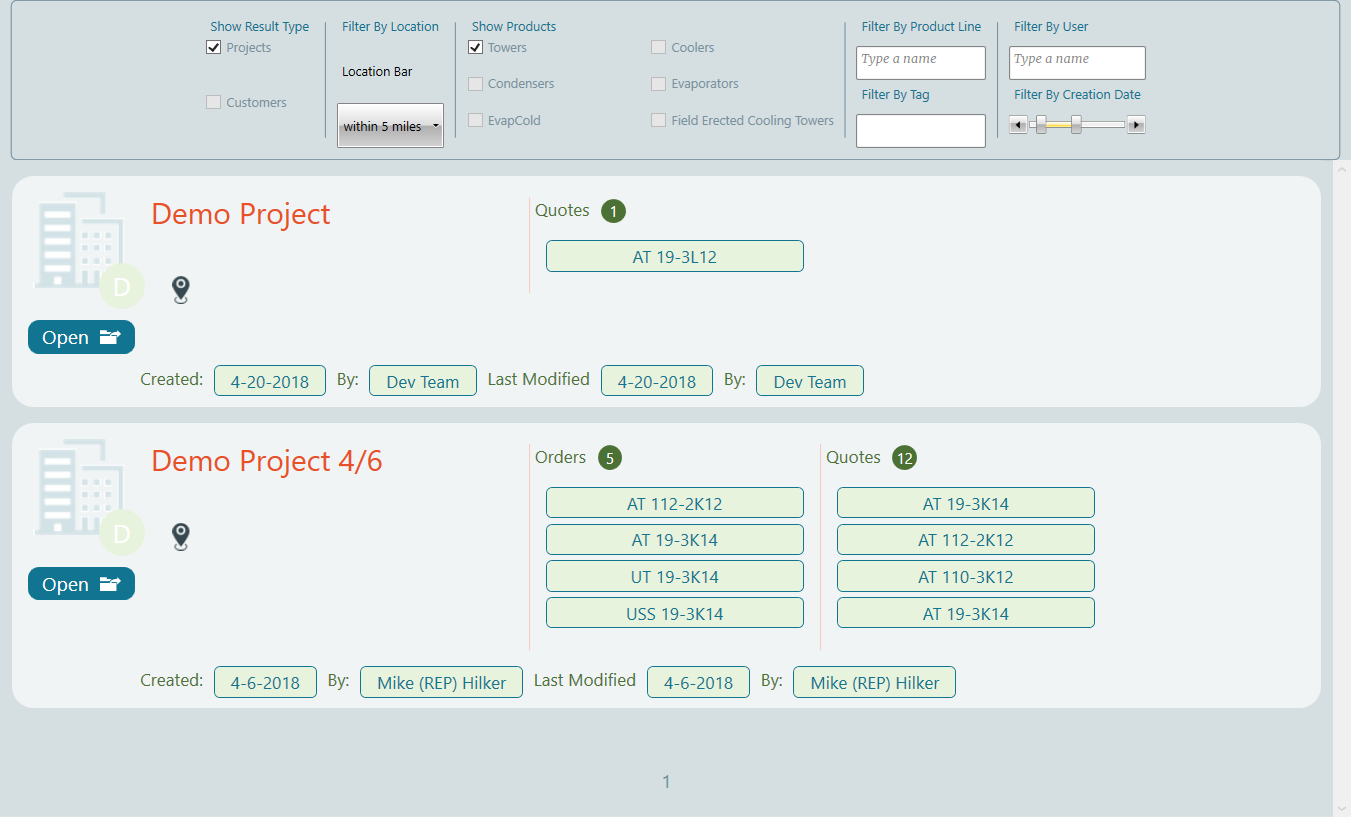
A new window opens, displaying all relevant search results.
Filtering Search Results
You can filter search results to only display projects or customers, to display projects containing specific product groups, as per the image below.
